
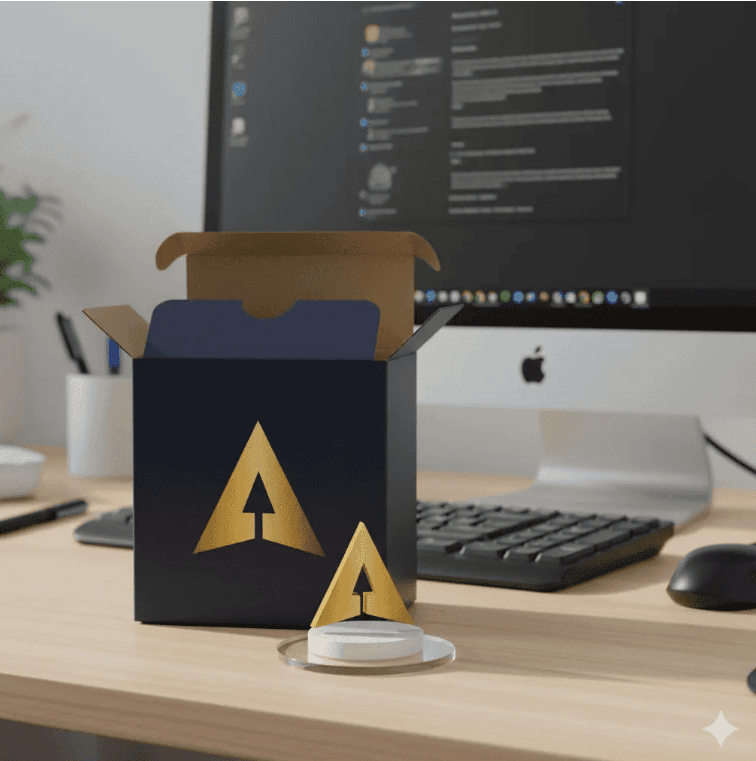
Every so often, a playful idea breaks through the noise and reveals what a new technology can do. “Nano Banana” is that moment for Gemini’s image model—a quirky name paired with a genuinely powerful update to visual generation and editing using natural language. Behind the scenes, it’s not a toy at all—it refers to Gemini 2.5 Flash Image, the latest model now available in the Gemini app and AI Studio. It lets you create, blend, and retouch images via simple prompts—fast enough to share, powerful enough to feel like magic.
Where the idea comes from
Nano Banana began as an inside joke on Google’s developer blogs and then took off. The model supports consistent characters across scenes, targeted local edits, and multi-image blending—all via natural text instructions. It’s not a demo; it’s live across Gemini products, which helped it spread quickly.
What Nano Banana actually is
Think of it as a talking image studio. Give it a single photo to touch up or a small set of references to combine; then request precise changes (“remove the lamp,” “put me in a crumpled cricket jersey,” “turn this dog into a toy-box figure on a clear base”). It performs fine-grained edits without masks or layers and uses world knowledge for pose and object reasoning.
Each output includes an invisible SynthID watermark so platforms and publishers can detect AI-generated media responsibly—no visual quality trade-offs.
How to use it
Images
- Upload one or more images.
- Describe the exact changes and constraints.
- Refine lighting, pose, style, or composition.
- Export and share.
Writing
Nano Banana can draft, edit, and recycle copy quickly. State your goal, tone, format, word count, and any must-have details. Generate a first pass, then refine for voice, length, or alternatives. For optimization, paste existing text and ask for clearer, simpler, or more persuasive versions (keep meaning). For research tasks, provide brief context and sources; for creative tasks, include brand voice and compliance notes. Save strong outputs as reusable snippets.
Pro tip: Be specific. Define your reader, goal, style, and word count. Ask for 2–3 variations with different angles when you want options.
Why this went viral so fast
- No learning curve: one prompt → polished result.
- Continuity: characters persist across shots, enabling story flow.
- Distribution: built into apps millions already use—fast mobile edit loops.
- Name: fun, catchy, and meme-able—helps the feature break out of “just another update.”
Coverage highlighted a rapid surge in edits early September—classic capability-meets-culture flywheel.
What this says about the near future of AI images
Image models are shifting from one-shot generators to creative systems that keep identity, style, and continuity across scenes—ideal for brand narratives, episodic content, and process-driven imagery. Responsible defaults (like watermarking) are becoming table stakes so publishers can sort and disclose synthetic media at scale. Expect richer prompt→edit loops, better hands/fabric detail, and tighter camera integration for live-shot + AI-edit flows on phones. Multi-image blending and local edits will feel more like creative direction with a team than operating a tool.
Limits & cautions
- Vague prompts drift—be precise.
- Likeness/consent issues arise with photorealism—get permissions.
- Establish governance for references, disclosure, and brand safety.
- Trends burn fast—plan concept refresh cycles.
The Altiora factor
At Altiora Infotech, we wire Nano Banana into content pipelines, automate approvals and watermark checks, and integrate outputs with your CMS, ad platforms, and storefronts. Our engineers tune guardrails for brand safety while creatives develop reusable formats and character libraries that maintain identity and style. Ready to pilot for marketing, product imagery, or community? We’ll help you ship something real—fast, reliable, and on-brand.